
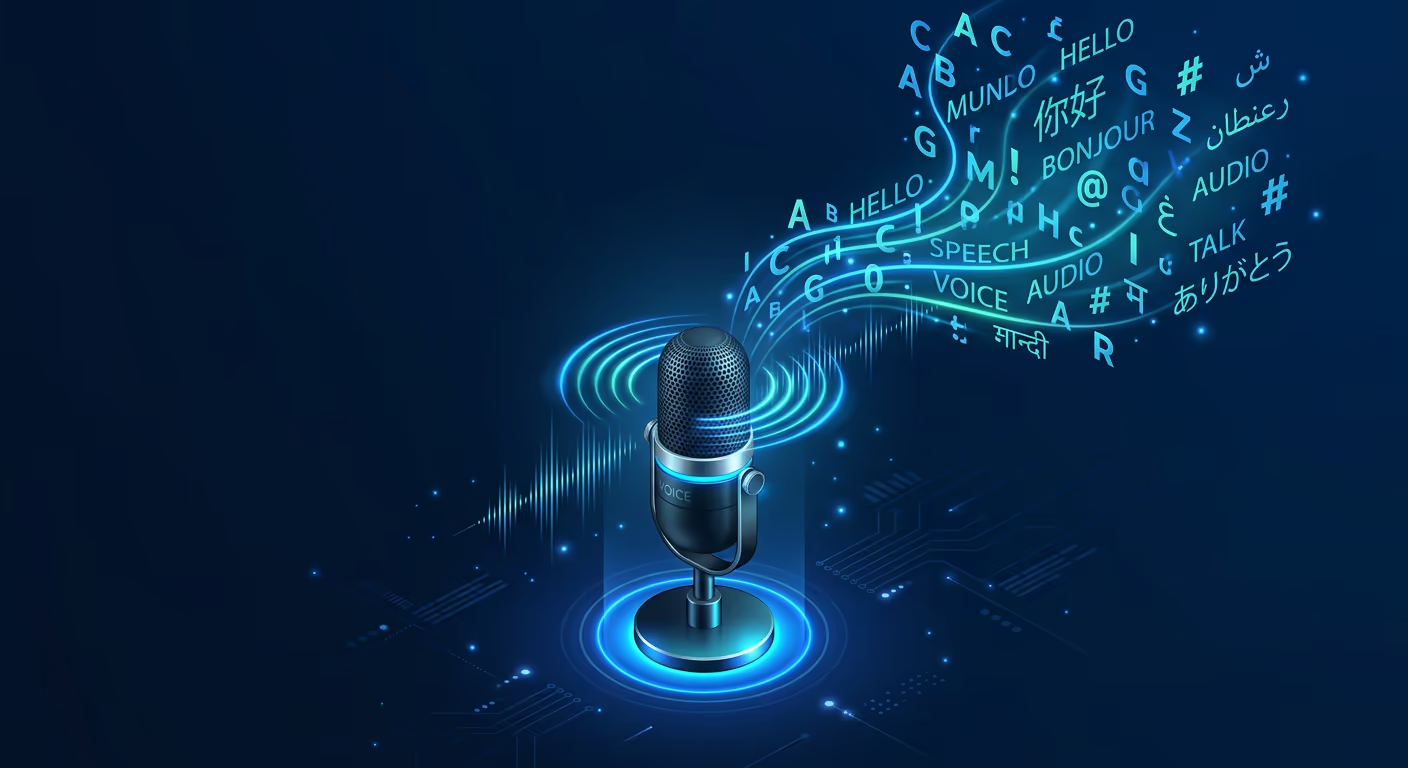
Tarsk now ships with Vosk as its voice input engine. You talk, it types. The entire process runs on your hardware with no cloud round-trip.
Why We Switched from Whisper
Whisper works. We used it before. It also demands WebAssembly SIMD support and runs at roughly real-time speed on modern laptops.
Vosk runs faster, uses less space, and handles more languages.
Streaming recognition. Vosk produces text while you are still speaking. The engine uses a Viterbi beam search that emits words with near-zero latency. You do not need to pause and wait.
Smaller footprint. The English model weighs 40MB, compared to Whisper’s 75MB. On a phone or a Raspberry Pi, that gap matters. You can store multiple language models where Whisper fits one.
20+ languages out of the box. German, French, Spanish, Chinese, Russian, Hindi, Japanese, Korean, Arabic, and others. Pick a language, download the model, and start talking.
How It Works Inside Tarsk
When you click the microphone button, Tarsk captures audio from your browser’s microphone API. The audio stream feeds directly into the Vosk engine running in a Web Worker.
The engine breaks your speech into chunks. Each chunk passes through an acoustic model that converts audio frames into phoneme probabilities. A decoder maps those probabilities to words using a language model. Vosk runs this pipeline incrementally, so partial results appear in your text field before you finish a sentence.
- Microphone Capture — the browser captures 16kHz mono audio from your microphone.
- Audio Piping — Tarsk pipes the audio buffer to a Web Worker running Vosk.
- Acoustic Processing — Vosk’s acoustic model processes the buffer and emits phoneme scores.
- Decoding — the decoder applies the language model and produces text.
- Display — partial text appears in your input field.
- Finalization — you stop speaking. Vosk finalizes the last segment and the text locks in.
No audio leaves your machine. No network call happens. The model sits in IndexedDB after the first download, so subsequent sessions start instantly.
Model Options
Vosk offers two tiers per language:
Small models (around 40-50MB) work on phones, tablets, and low-power devices. They use roughly 300MB of runtime memory. You can also adjust the vocabulary on the fly to bias recognition toward domain-specific terms.
Large models (1-1.8GB) run on laptops and desktops. They use a bigger acoustic model and a richer language model. You will see fewer errors on technical vocabulary, proper nouns, and accented speech. These models need about 4GB of RAM.
Tarsk defaults to the small model. If you want higher accuracy, open Settings, navigate to Voice Input, and switch to the large model for your language.
Supported Languages
You can download models for 30 languages: English, Indian English, German, French, Spanish, Portuguese, Chinese, Russian, Turkish, Vietnamese, Italian, Dutch, Catalan, Arabic, Greek, Farsi, Filipino, Ukrainian, Kazakh, Swedish, Japanese, Esperanto, Hindi, Czech, Polish, Uzbek, Korean, Breton, Gujarati, Tajik, Telugu, Kyrgyz, and Georgian.
You can download multiple language models and switch between them. Each model stores independently in IndexedDB.
Vocabulary Adaptation
Vosk lets you feed it a list of domain-specific words at runtime. If you work in medical transcription, you load medical terminology. If you write code, you load function names and variable conventions. The decoder reweights its language model to favor your vocabulary without retraining.
Tarsk exposes this through a simple text field in Settings. Paste your word list, and the next voice session uses it.
Performance Notes
Vosk processes audio on your CPU. On a modern laptop with 8 cores, transcription runs faster than real-time. On a Raspberry Pi 4, expect roughly 1x real-time, which means you can dictate at normal speaking speed and keep up.
The engine supports multi-threaded decoding. Tarsk detects your core count and allocates threads. If your browser supports SharedArrayBuffer, Tarsk uses parallel threads. Otherwise it falls back to a single thread.
Memory usage stays modest. The small model plus runtime overhead fits in 300MB. The large model peaks around 4GB during decoding.
Getting Started
Update Tarsk to the latest version. Open any chat input and click the microphone icon. Tarsk downloads the default English model (40MB) on first use. After that, voice input works offline.
To add another language, go to Settings, then Voice Input, then Models. Pick a language from the list and download it. Switch languages from the same panel.
Key Takeaways
01 — Offline and private. Your audio stays on your machine. Tarsk runs the entire transcription loop in your browser.
02 — Streaming results. You see text appear while you speak, not after you stop speaking.
03 — 20+ languages. Small models (40-50MB) and large models (1-1.8GB) available for each language.
Try Vosk in Tarsk
Download the latest version of Tarsk and start dictating. Your voice stays on your hardware, and your words appear in your chat.