
Articles
Guides & Deep Dives
In-depth articles, practical walkthroughs, and perspectives on AI-powered development.
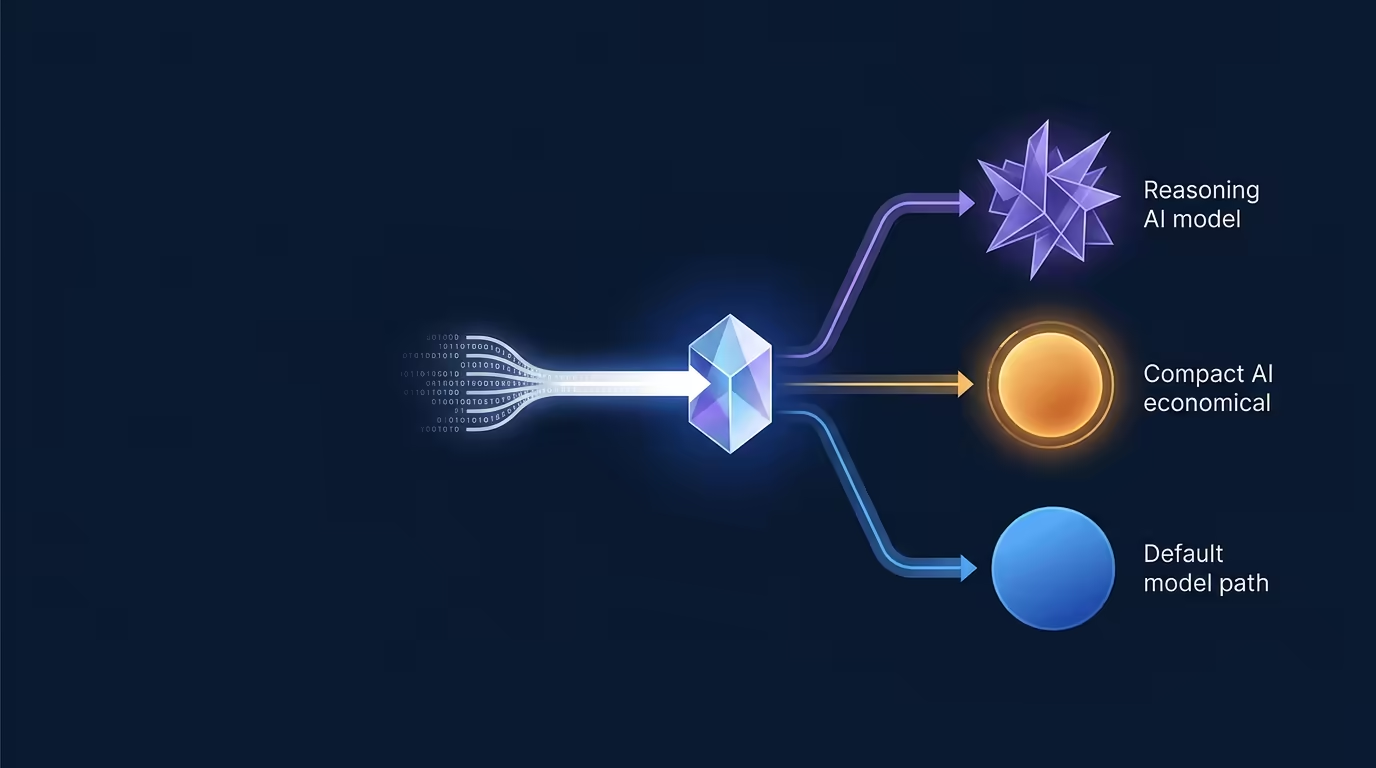
Auto Mode Routing in Tarsk
Auto Mode Routing lets Tarsk choose a model tier for your first prompt in a thread. You select Auto, describe the work, and Tarsk routes a simple request toward a cheaper model,...

Git Checkpoints & Restore in Tarsk
An agent can change several files before you see the result. Git Checkpoints & Restore gives you a recovery point tied to the prompt that started the run. If the work takes the...
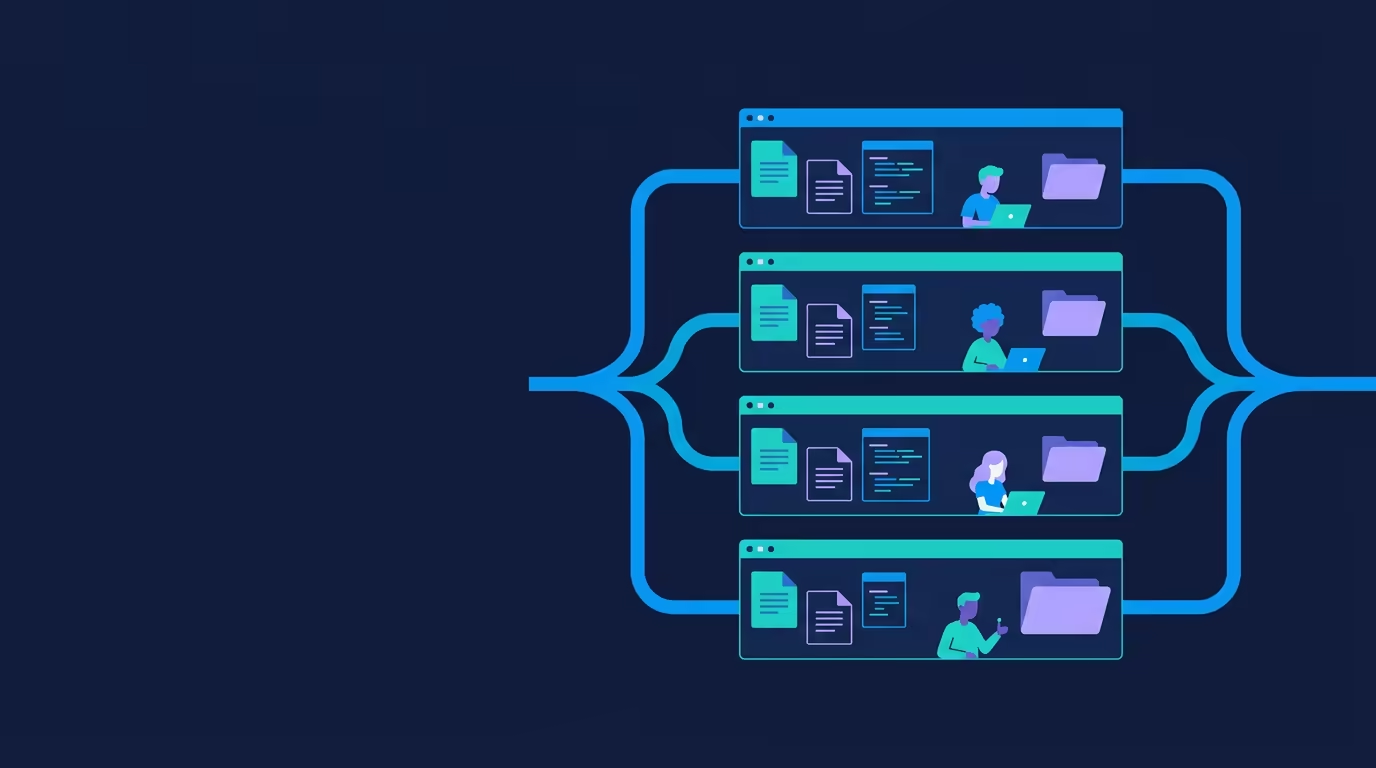
Isolated Branch Workspaces in Tarsk
Most AI coding tools operate on one shared copy of a project. Tarsk takes a different approach with its isolated branch workspaces. Each thread gets a full clone of your reposit...

Local-First Privacy in Tarsk
Local-First Privacy means Tarsk keeps your projects, threads, settings, and conversation history on your Mac. The app runs with its own bundled runtime and stores local data in...

MCP Servers in Tarsk
Your agent can edit files and run commands. Some work needs outside systems. Query an error in Sentry, pull a ticket from Jira, read a row from PostgreSQL, or check a status fro...
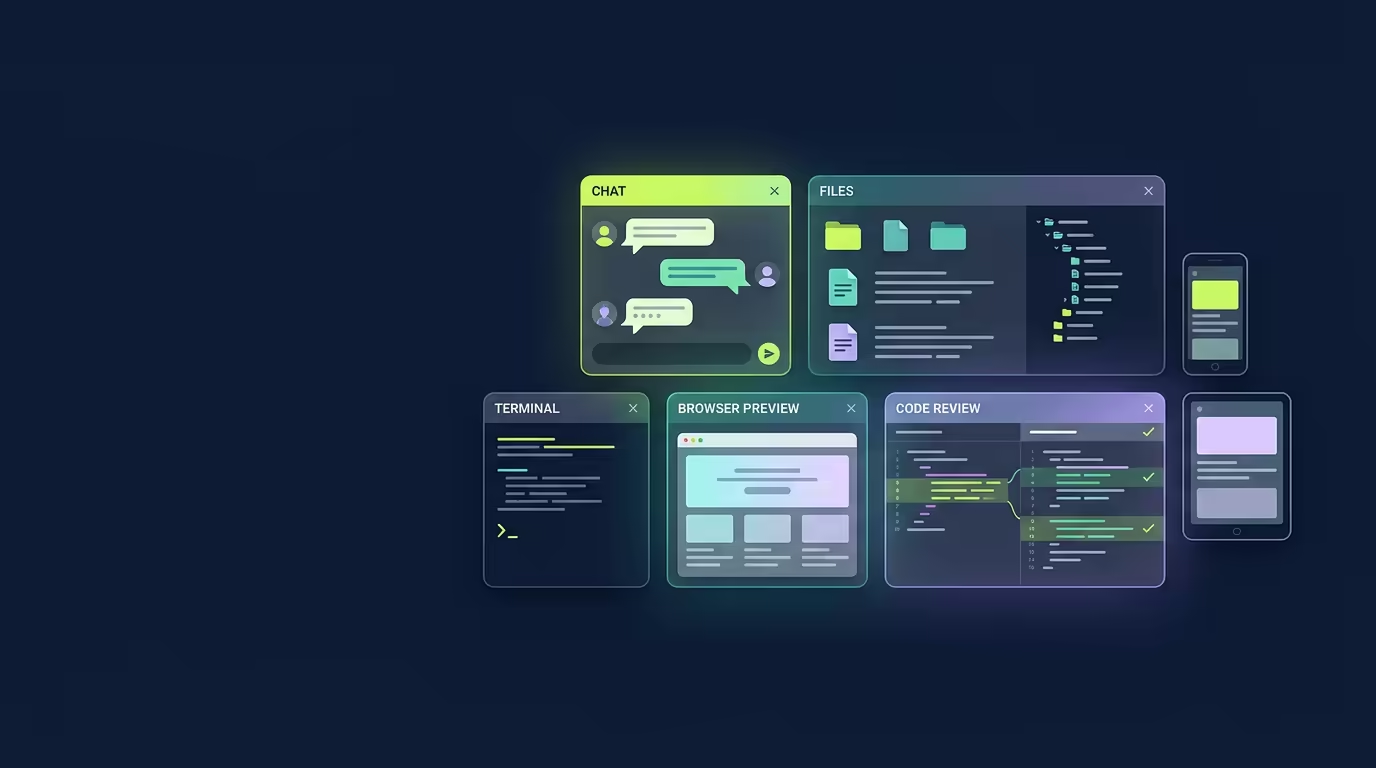
Multi-Panel Workspace: The Floating Dock
Coding in Tarsk means living inside a floating dock. Chat, files, terminal, browser, tasks, and code review sit side by side in separate windows, and each branch runs its own de...

Orchestrate Mode in Tarsk
A multi-file feature asks an AI coding assistant to hold many details at once: product requirements, project conventions, dependencies, tests, and the files that need changes. O...
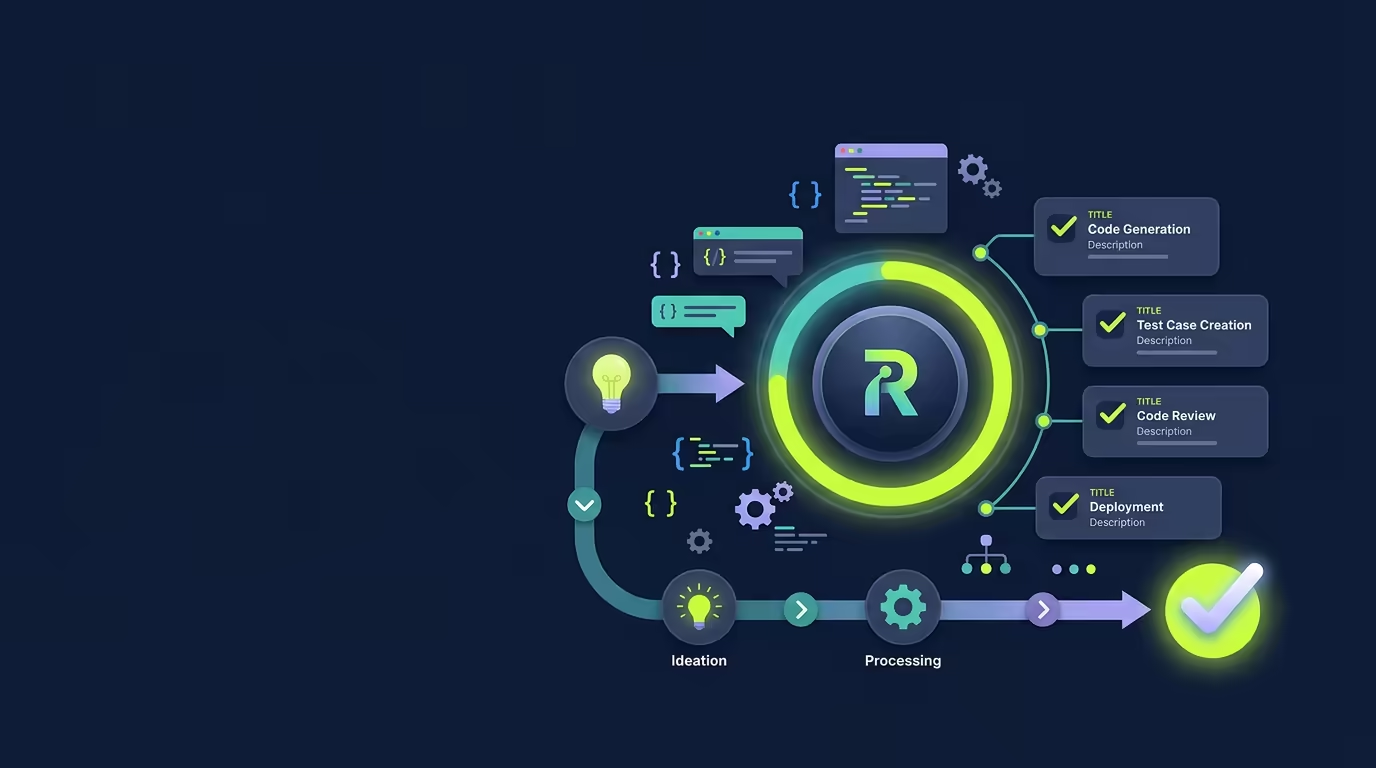
Ralph Mode: Let Tarsk Finish the Work
Large coding tasks often fail at the handoff between steps. One change works, the next one gets forgotten, and the final test run never happens. Ralph Mode gives Tarsk a todo li...
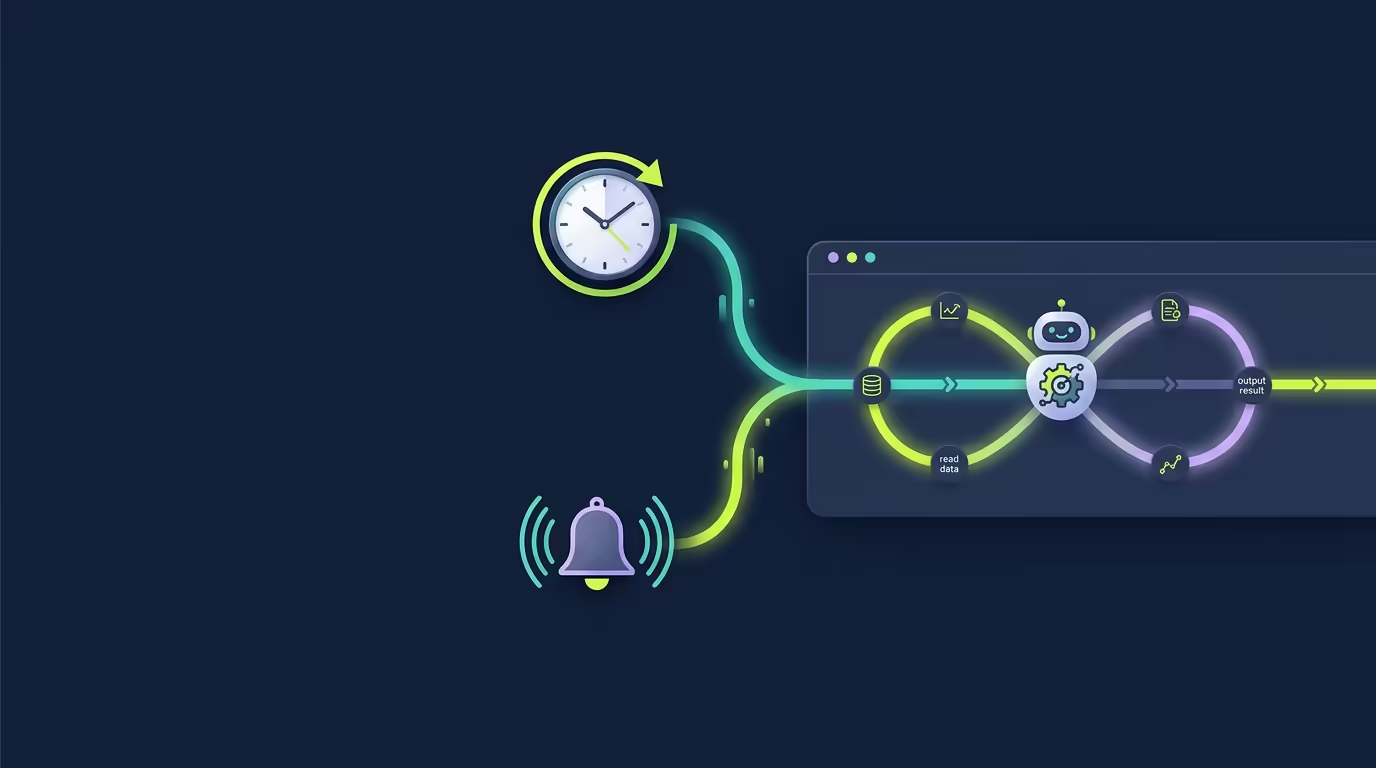
Scheduled & Event-Triggered Tasks in Tarsk
You can send a message any time the agent is open. Some work arrives on a timer instead. A changelog needs to regenerate each morning. A test suite should run before you start t...

Skills: Teach Tarsk Your Workflow
You have rules your coding should follow. Review the log, patch the smallest file, keep a test for each fix. Tarsk does not know those rules until you teach it. A Skill is the p...

Subagents in Tarsk
A coding task can pull in many kinds of work: reading files, running tests, searching for a className, drafting an explanation. Tarsk Subagents let you hand each focused piece t...

Control Tarsk from Slack
Control Tarsk from Slack. Create a clone with @Tarsk branch in a bound channel, keep the conversation in that Slack thread, and get the assistant’s reply back in Slack while Tar...

Token Minimization: How Tarsk Cuts Your AI Bill
Frontier AI models charge by the token, and costs add up. A coding session can burn half a million tokens, and a single prompt can cost more than a cup of coffee. Run ten sessio...
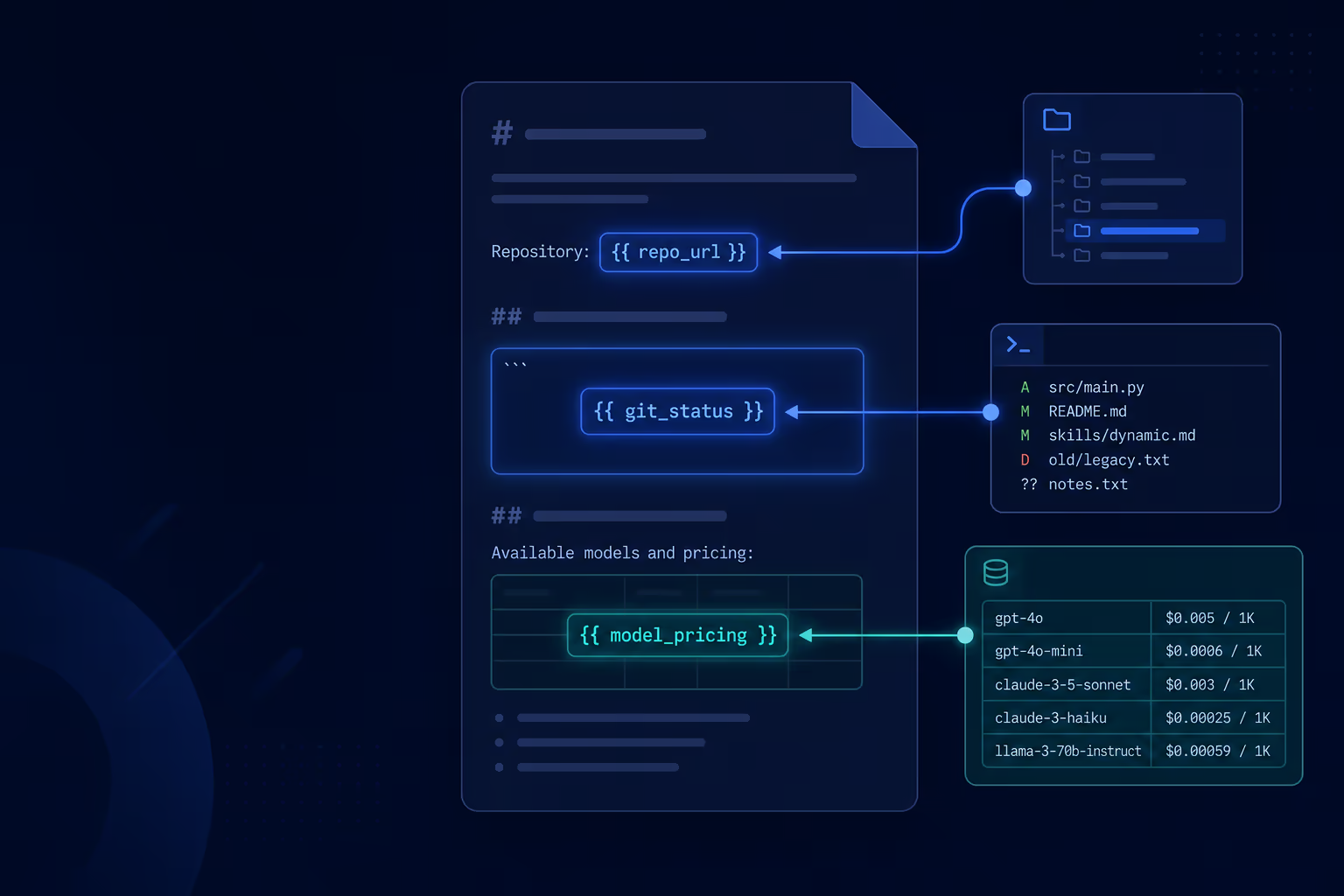
Skill Interpolation in Tarsk
Static skill instructions work until the task needs live data. You want the agent to see the current diff, the models you have enabled, or the arguments you passed when you invo...
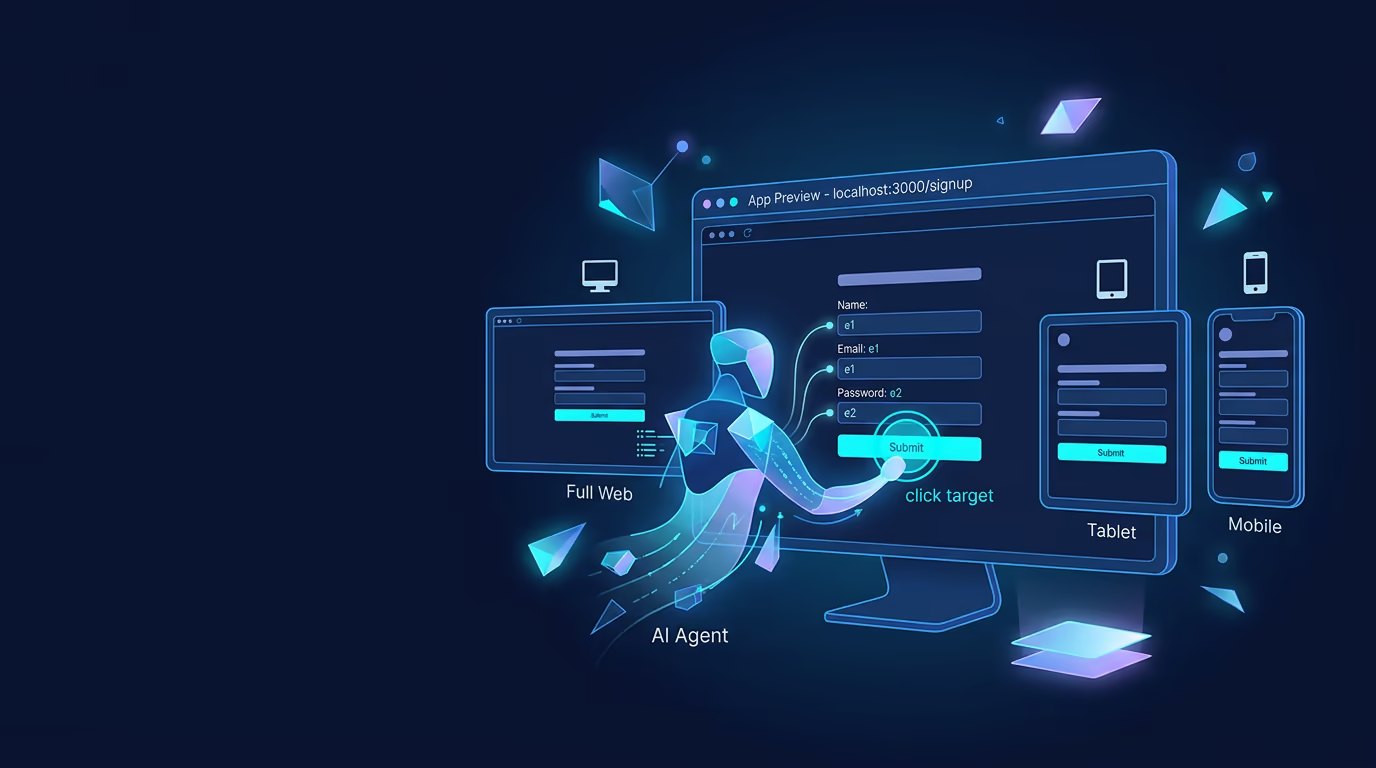
How to Use Agent Browser Automation
Agent browser automation lets Tarsk work inside your running app instead of guessing from code alone. Start your dev server, open the Browser tab, and the agent can inspect the...
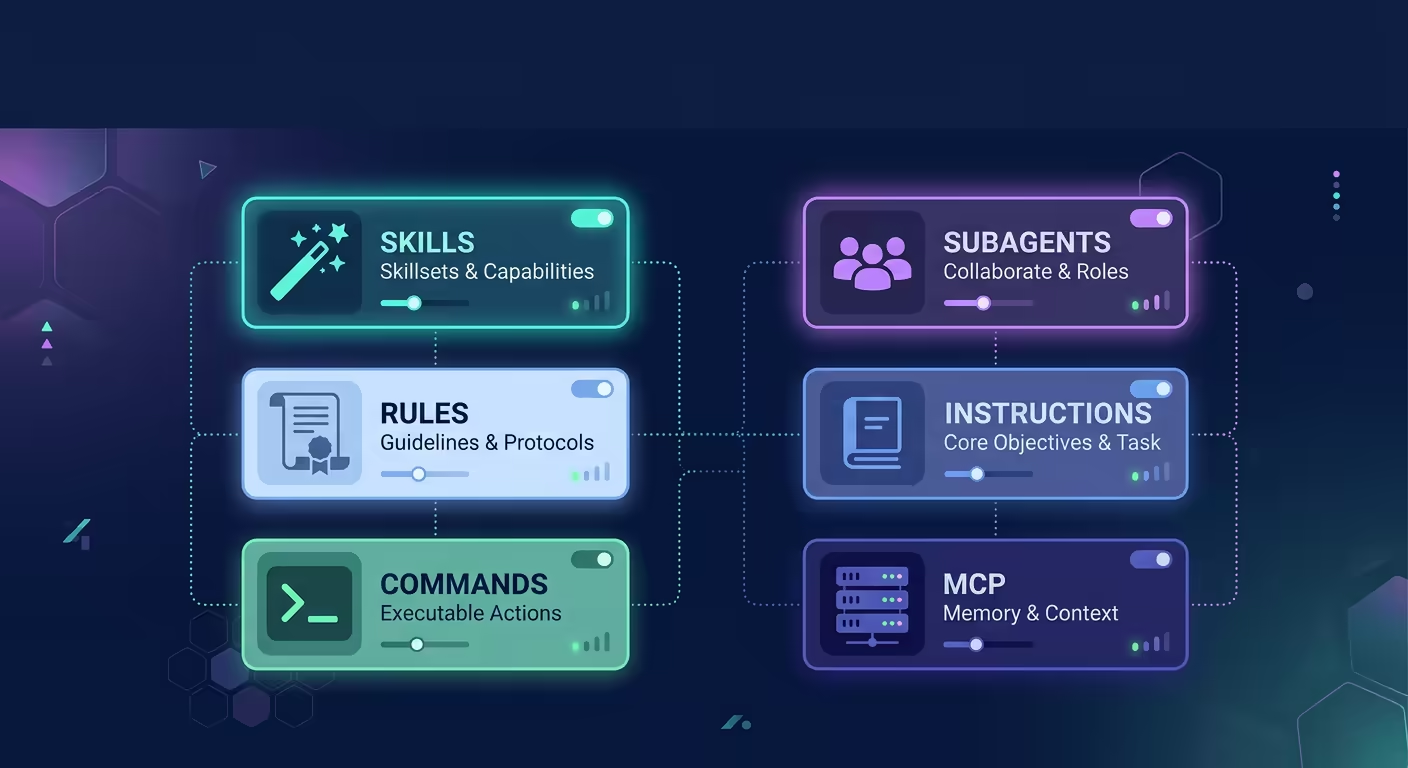
Customize Your Agent with Skills, Rules, Commands, and Subagents
The agent does not come pre-configured for your workflow. You shape it. Tarsk provides six settings pages where you define what the agent knows, what tools it can call, and how...
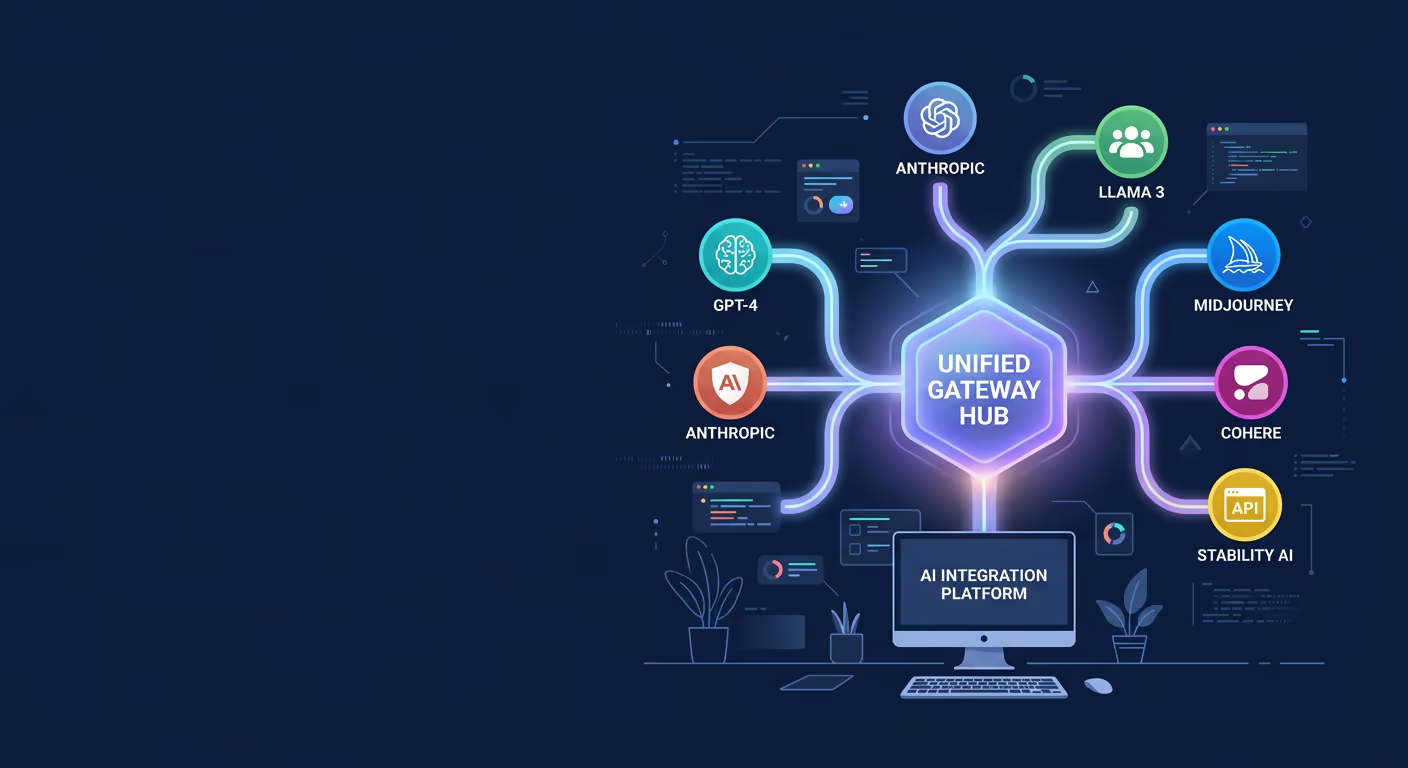
Get Started with OpenRouter in Tarsk
Tarsk connects to AI models through providers. OpenRouter gives you access to over 400 models from Anthropic, OpenAI, Google, DeepSeek, and dozens of others through a single API...
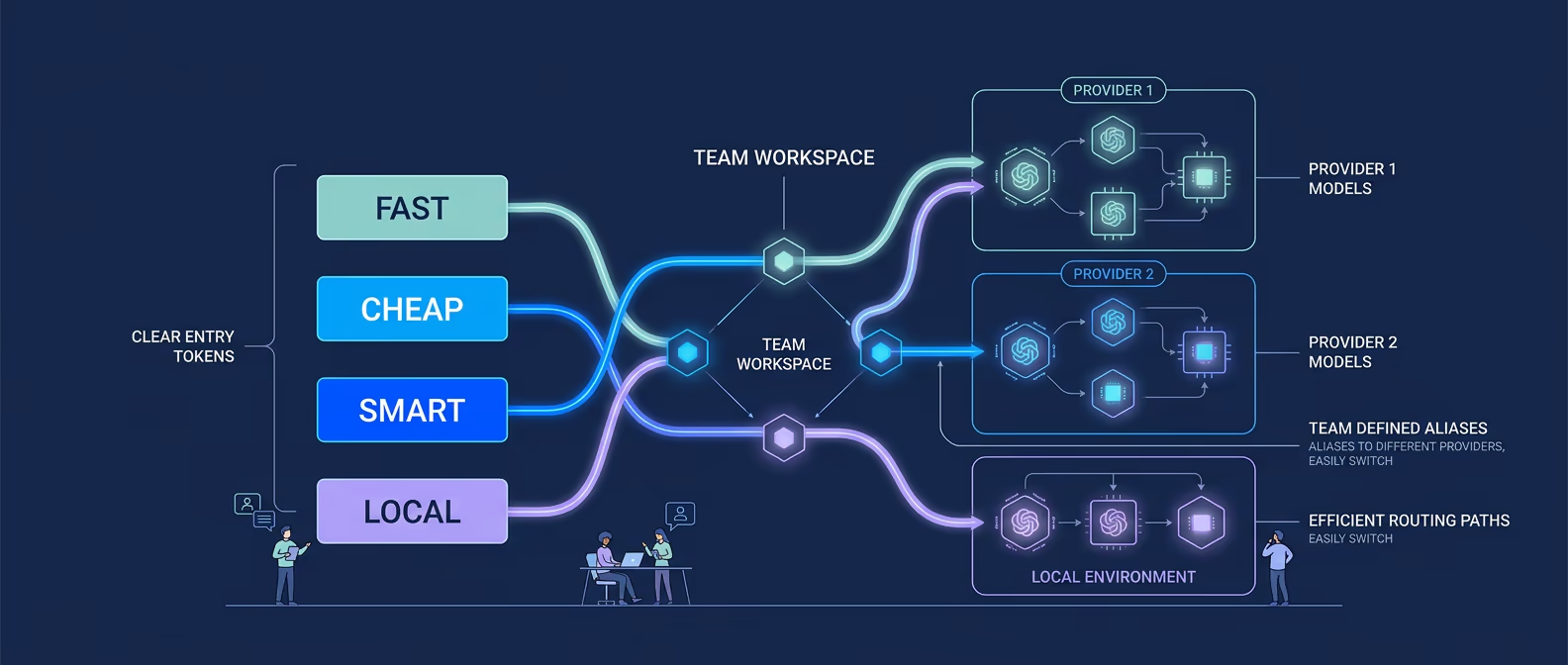
How to Use Model Aliases in Tarsk
Model Aliases in Tarsk give your project four shared labels for model choice: fast, cheap, smart, and local. You map each label to an enabled provider and model, then reuse thos...
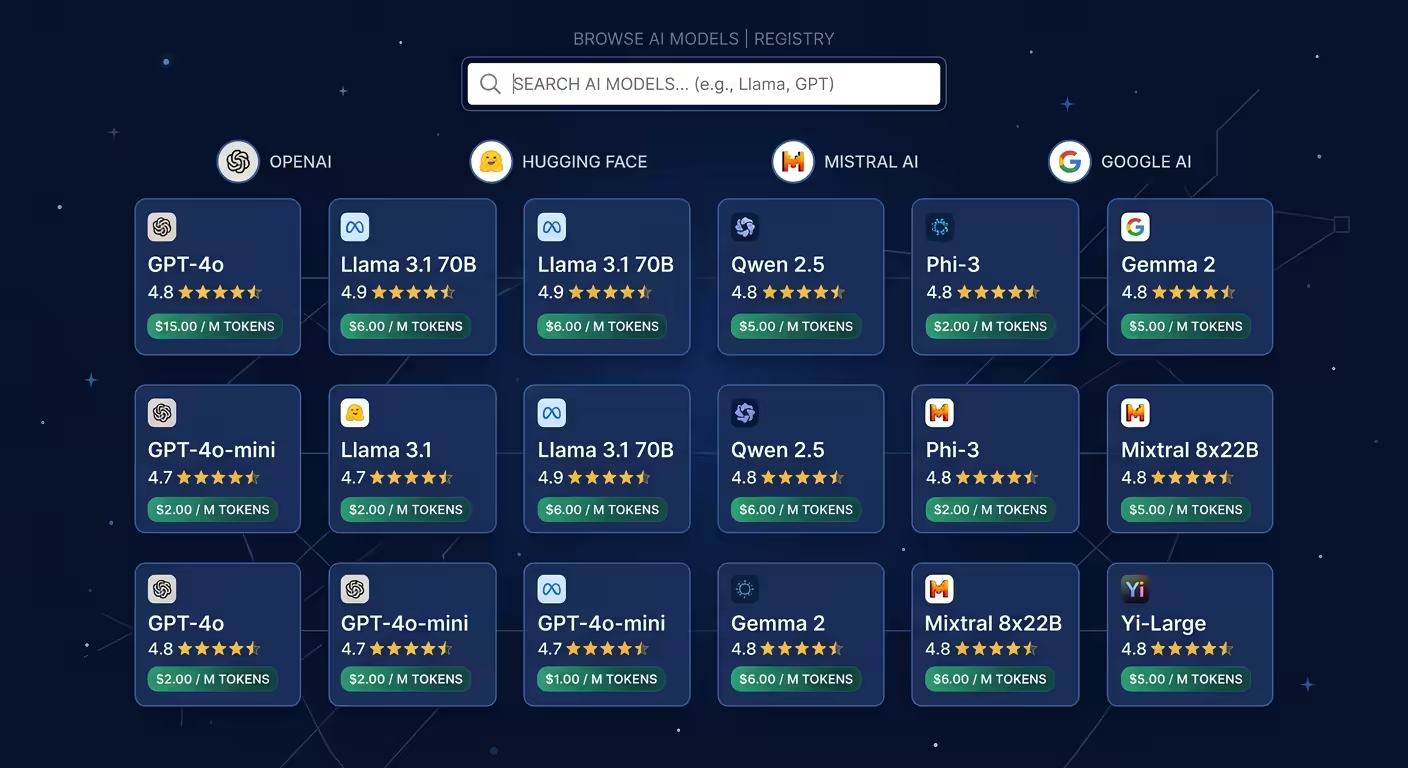
Browse and Manage AI Models Across Providers
When you connect multiple AI providers, you end up with dozens or hundreds of models to choose from. The Models settings page gives you a single place to browse every model avai...
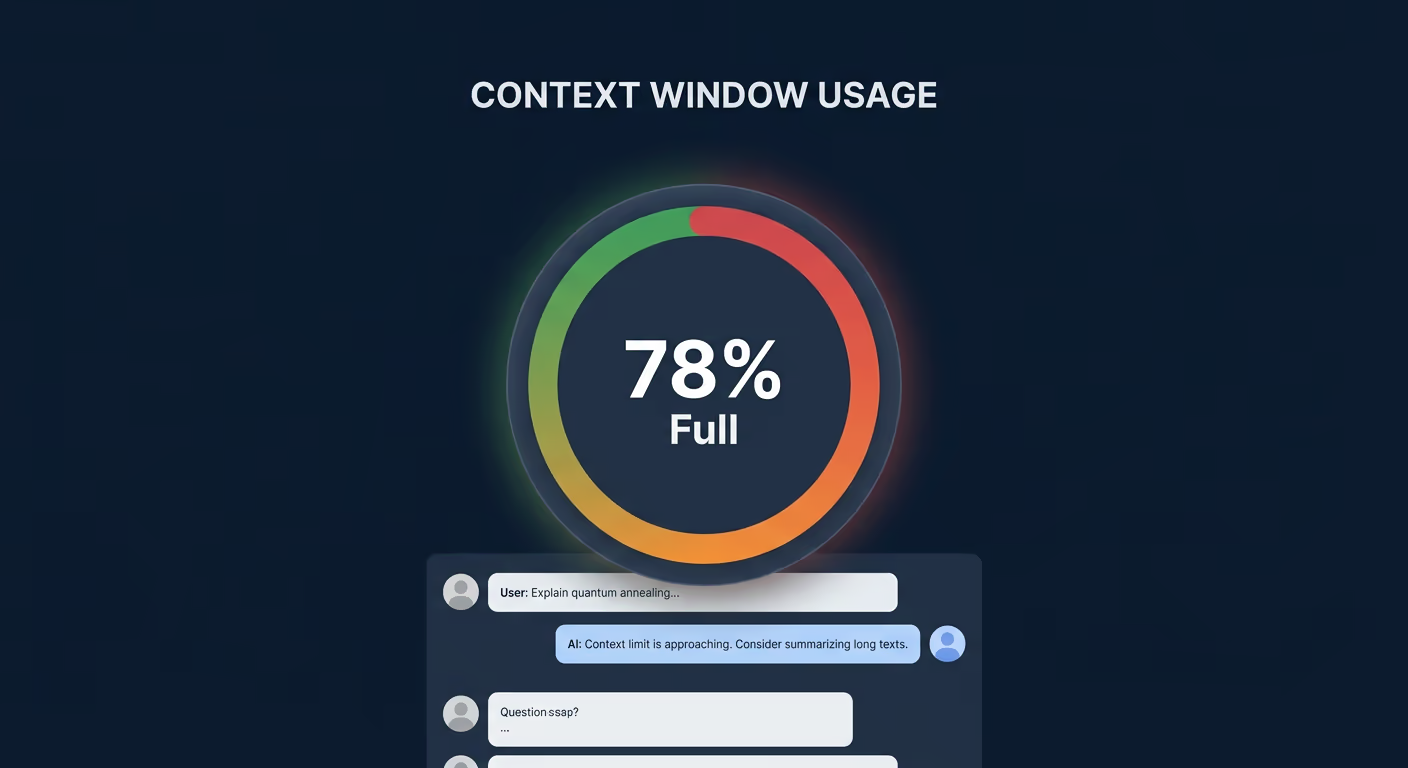
Monitor Token Usage and Context Window in Tarsk
Every model has a context window: a fixed token budget that fills up as your conversation grows. When it runs out, the agent loses access to earlier messages, and response quali...

How to Use the Updated Skills UI
The updated Skills UI makes it easier to discover, install, and manage skills. You can browse what is installed, search what is available, switch between skill sources, add your...